EduShell documentation
Everything you need to run hands-on technical training on EduShell, from your first session to automating the platform with the API.
What is EduShell?
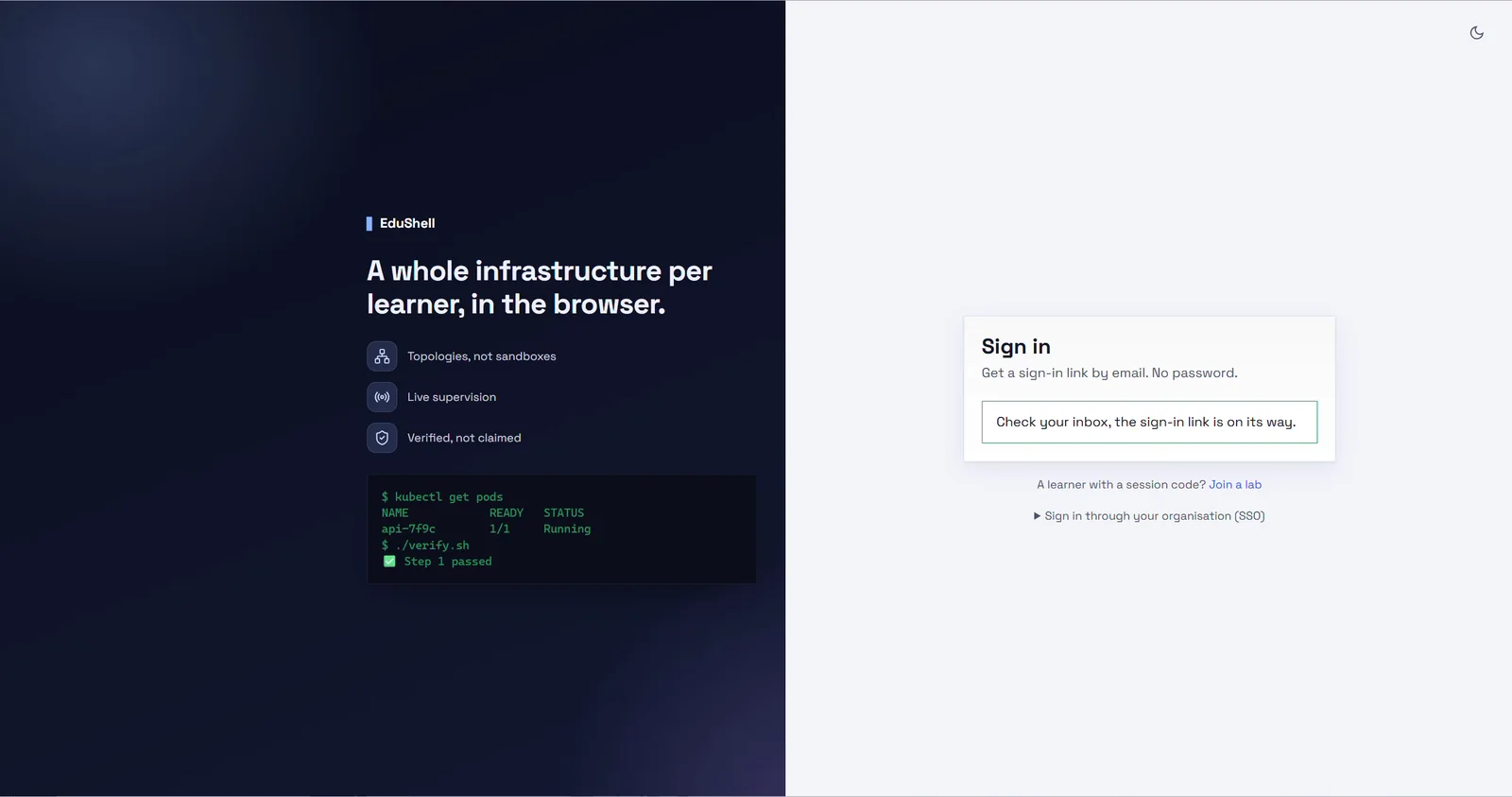
EduShell gives every learner their own isolated infrastructure: real terminals, Kubernetes clusters, virtual machines and private networks, running in the browser with nothing to install.
Trainers watch the whole class live, get an alert the moment a learner is stuck, and every exercise is checked automatically. The environment is verified, never just handed over, so a learner always starts on a lab that already works.
How it works
A typical EduShell flow looks like this:
- Author a lab: write the instructions, define the environment (containers, clusters or VMs) and add automatic checks.
- Schedule a session: pick the lab, set the capacity and a time. EduShell pre-provisions a ready seat for each learner.
- Invite learners: share a link or a short join code. They sign in by email, with nothing to set up.
- Run it live: follow progress in real time, jump into any terminal to help, and message the class.
- Automate: drive all of this from your own tools with API keys and webhooks.