Author a lab
Write a lab, its steps, its checks and its quizzes.
Author a lab
Open Labs and create or edit one. A lab has three parts:
- Instructions: written in Markdown, with syntax-highlighted code and copy buttons. You can author bilingual content (FR and EN) that follows the learner's language.
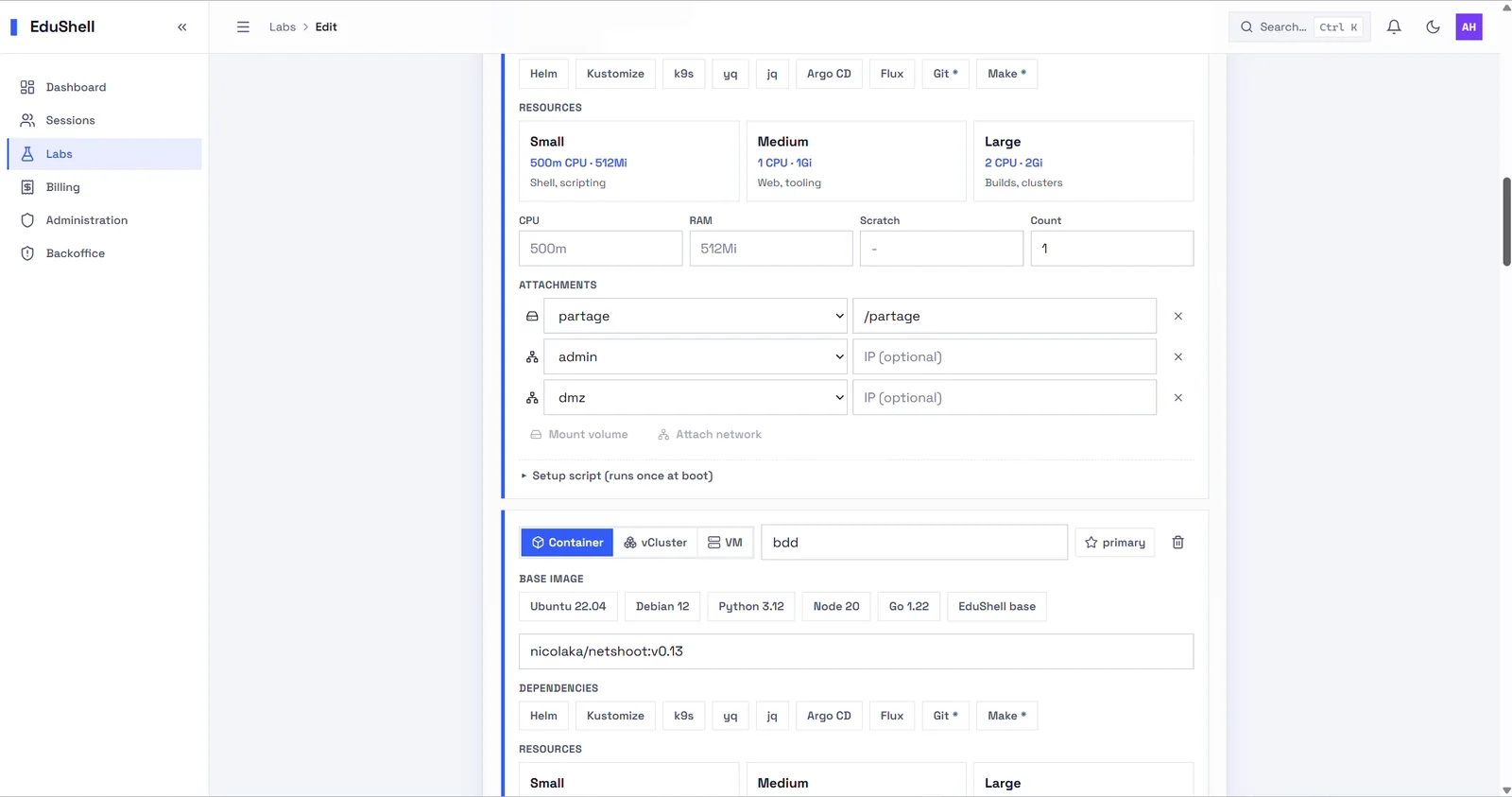
- Environment: choose the tier and base image, add containers, a per-learner cluster or a VM, attach volumes and networks, and set a setup script that runs once at boot.
- Checks: automatic verifications that confirm each step, so a learner gets instant feedback and you see progress on the dashboard.
Labs are versioned: edit a draft, preview it in a real sandbox, then publish. Sessions always run a published version. From a lab's versions page you can duplicate any version into a fresh draft, delete a draft, or archive a published version (kept as history); a version still used by a scheduled or open session is protected from removal.
Each step can also carry quizzes: multiple-choice knowledge checks, graded automatically, that reveal the answer and an explanation after the learner submits.
Add a quiz to a step
Any step can carry multiple-choice questions, graded automatically. In the lab editor, edit a draft version (a published version is read-only), open a step, and find the Questions section below Checks:
- Click + question and write the prompt.
- Add options; click the circle next to an option to mark it correct.
- Toggle Several correct answers for multi-select, and Required to complete the step if the learner must get it right.
- Write an Explanation, shown to the learner after they answer.
- Save, then Publish the version and assign it to a session.
Answers are graded on the server, so the correct answer never reaches the browser. Every new organisation's starter lab already includes a sample question, so you can see one working immediately.